01 / CALIBRATION
References you can trust
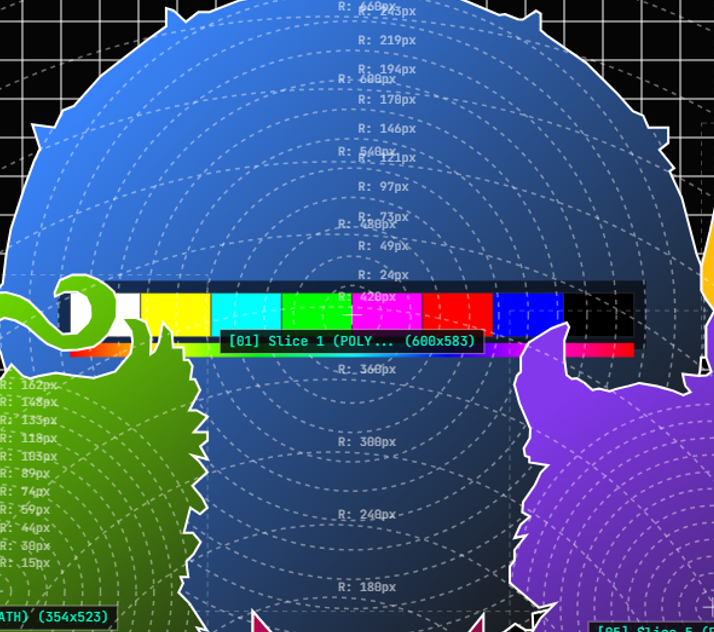
Coordinate grids, crosshairs, alignment circles and SMPTE bars turn complex surfaces into measurable targets.
PRECISION TOOLKIT FOR VISUAL ARTISTS
Create precise vector test cards for video mapping. Design geometry, calibrate visually, and move directly into Resolume.
SEE THE WORKFLOW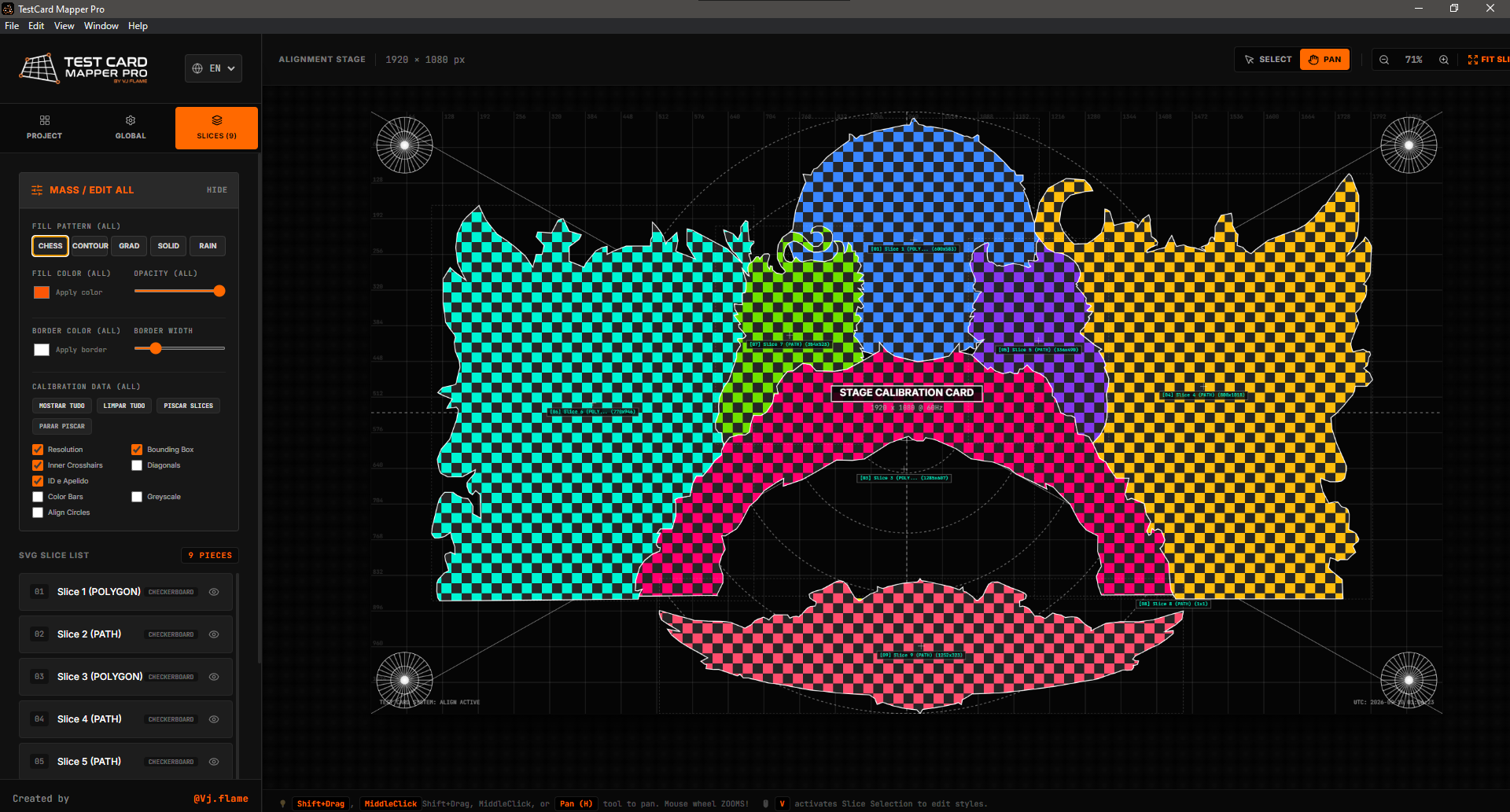
[ 01 / PRODUCT ANATOMY ]
01
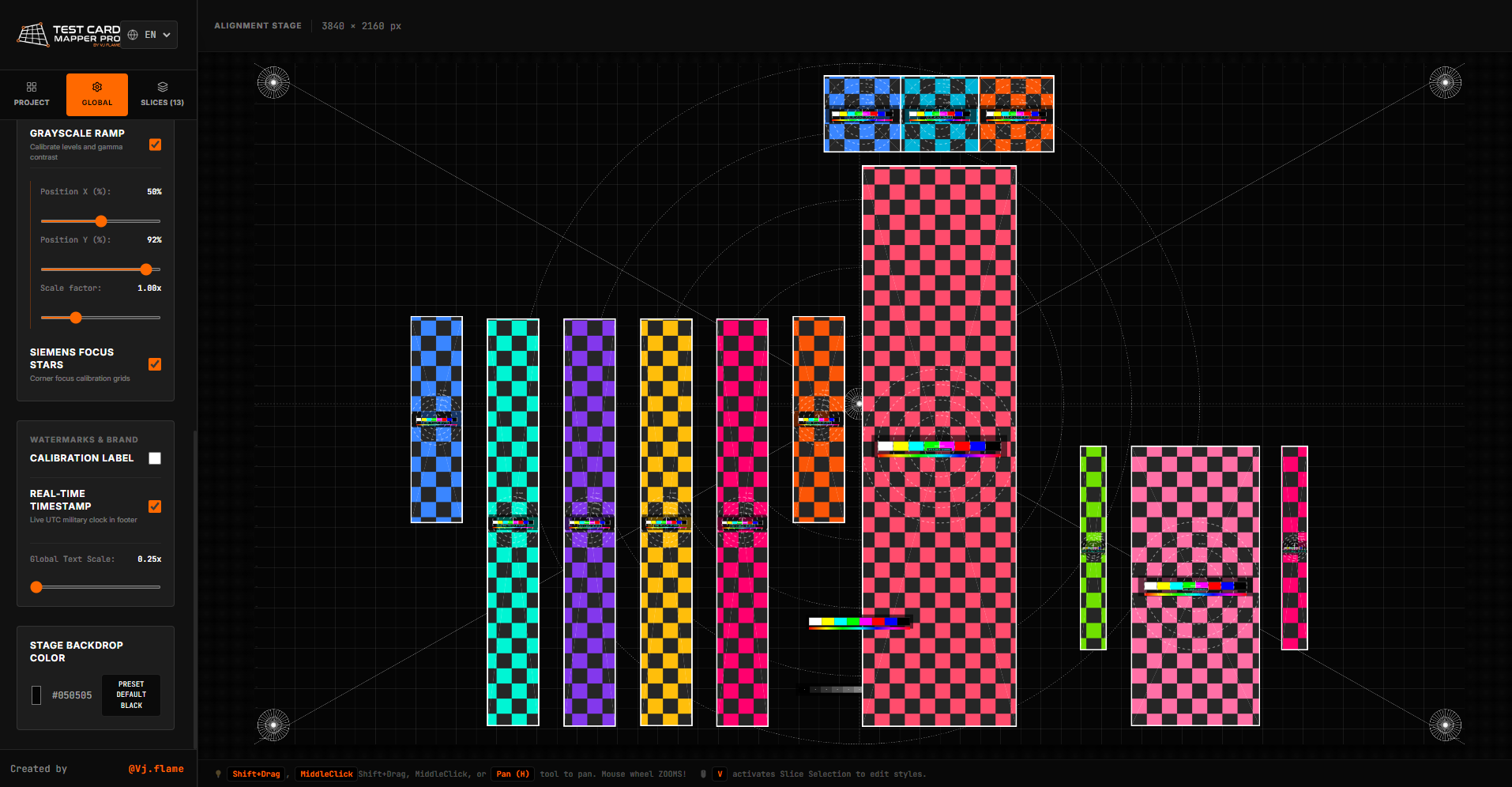
Define your exact output resolution.
02
Create quads, triangles and custom polygons.
03
Generate visual references for alignment.
04
Keep complex mapping structures organized.
05
Control fill, opacity, borders and hierarchy.
06
Generate SVG or Resolume XML.
Define your exact output resolution.
Create quads, triangles and custom polygons.
Generate visual references for alignment.
Keep complex mapping structures organized.
Control fill, opacity, borders and hierarchy.
Generate SVG or Resolume XML.
[ 02 / ONE WORKSPACE ]
Everything visible here is part of the real application—one focused workspace for production-ready geometry.
01 / CALIBRATION
Coordinate grids, crosshairs, alignment circles and SMPTE bars turn complex surfaces into measurable targets.
02 / SLICE STYLING
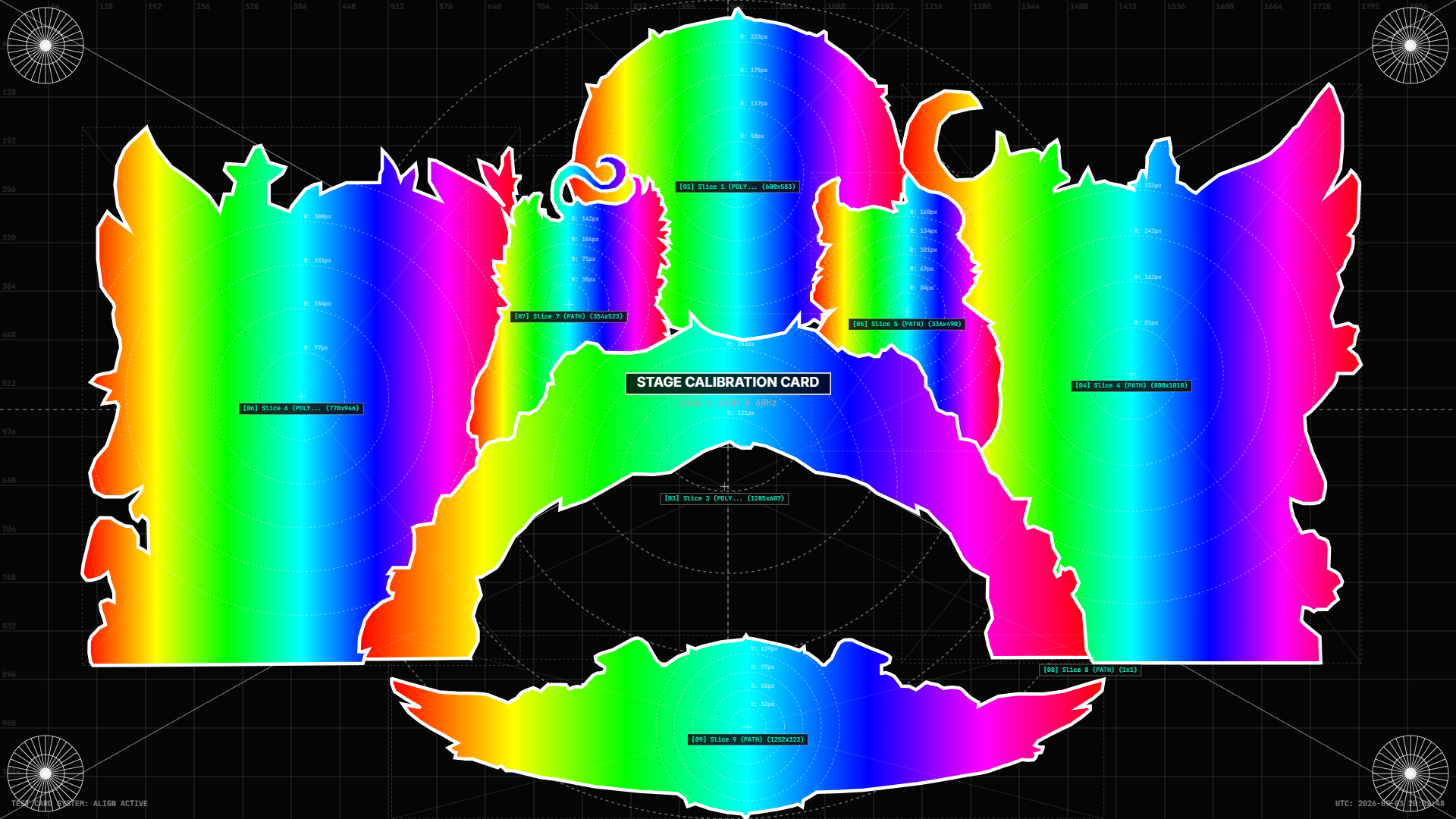
Apply checkerboards, color, opacity and borders across individual slices or the complete structure.
03 / GEOMETRY
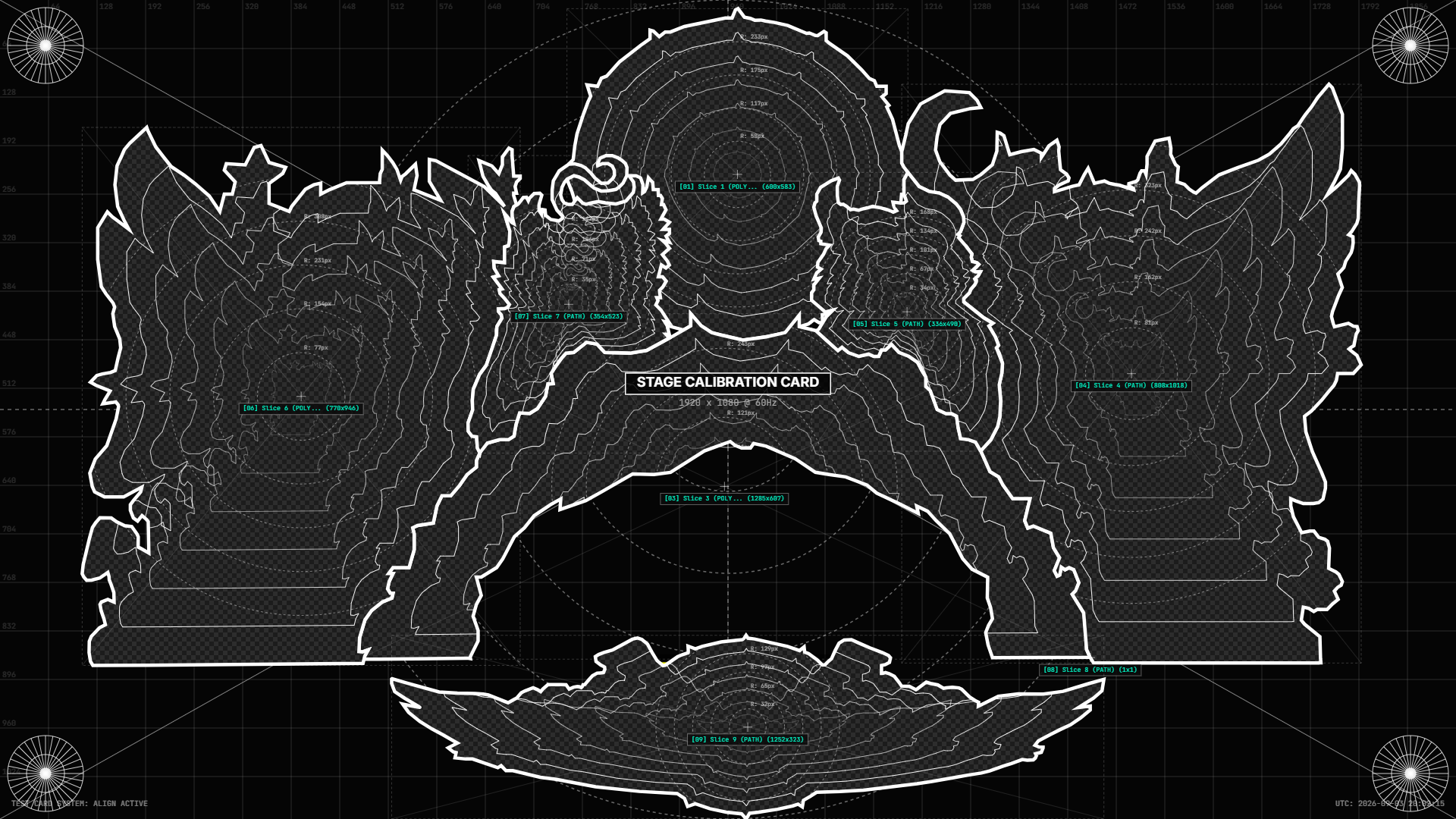
Create quads, triangles and custom polygons that follow the physical architecture of your show.
04 / LAYERS
Keep every mapped piece visible and organized as the composition grows.
[ 03 / THE HANDOFF ]
Export every shape as mathematically positioned input and output slices. Import the XML preset into Resolume Arena or Avenue and keep your geometry intact.
RESOLUME XML
DIRECT ADVANCED OUTPUT WORKFLOW
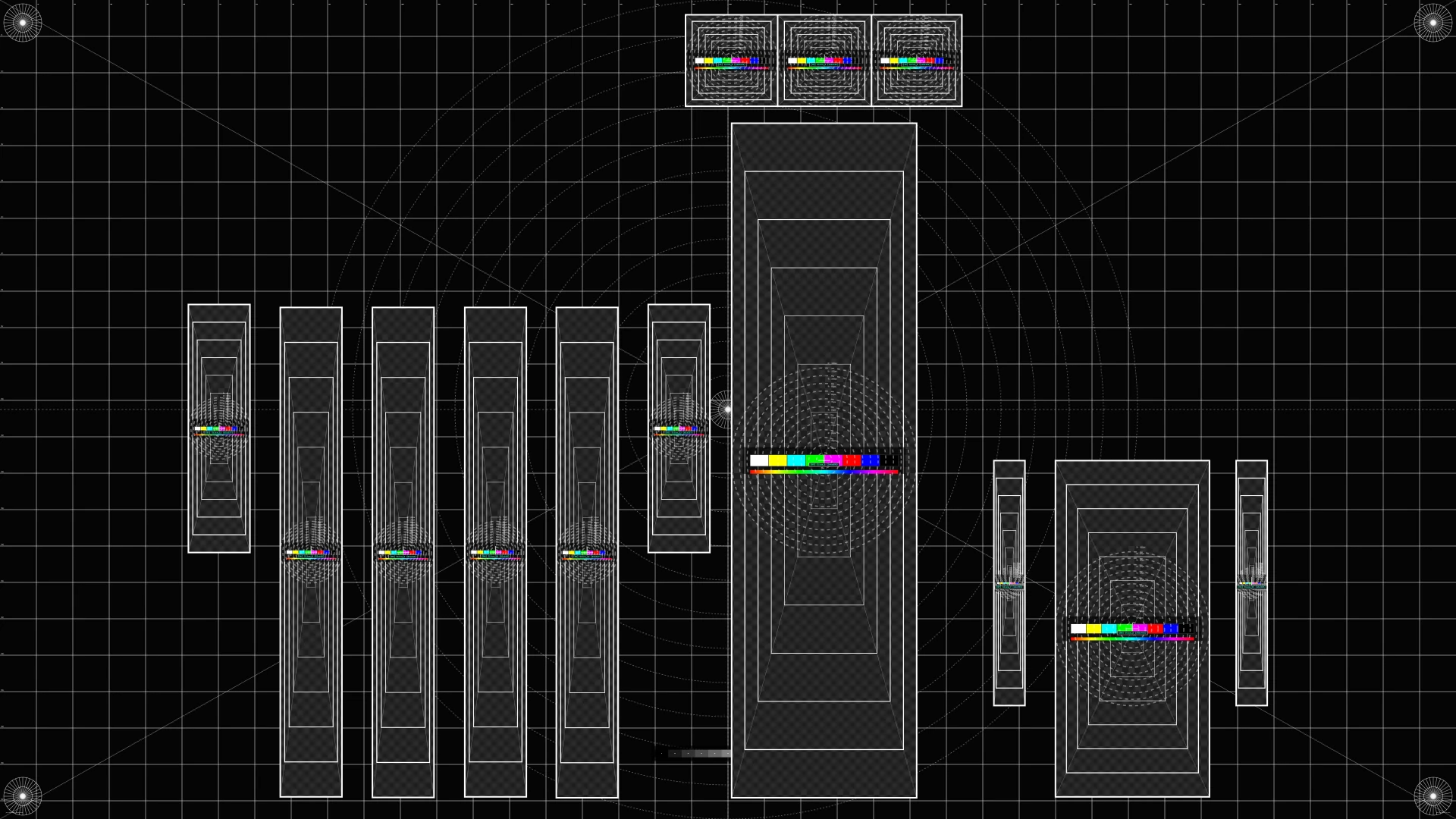
A focused tool for VJs, projection designers and mapping artists who need accuracy without the heavy design workflow.
VIEW TESTCARD MAPPER PRO